Cloud Computing Icon Pack: The Visual Language of Modern Digital Solutions
Imagine you’re designing a landing page for a new SaaS platform that promises effortless cloud migration, multi-tier data protection, and AI-powered analytics. You need icons that instantly communicate storage buckets, server clusters, machine learning models, and continuous deployment pipelines – all with a consistent, professional look. A fragmented collection of mismatched icons from different sources will erode user trust. This is the exact scenario where a dedicated Cloud Computing Icon Pack proves its worth. It transforms abstract cloud concepts into a cohesive visual system, making interfaces, presentations, and reports feel instantly credible.
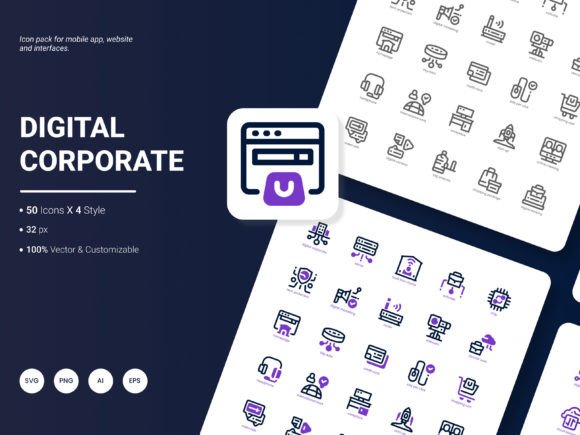
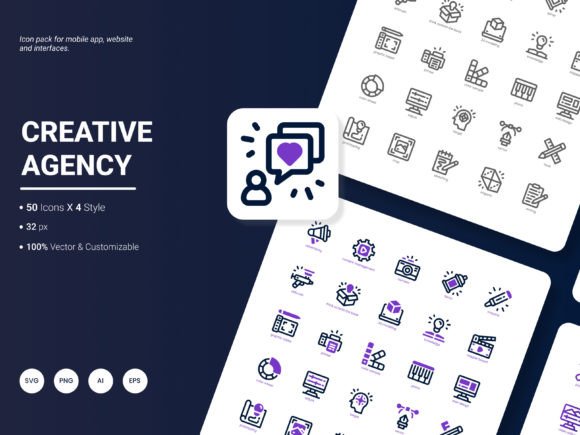
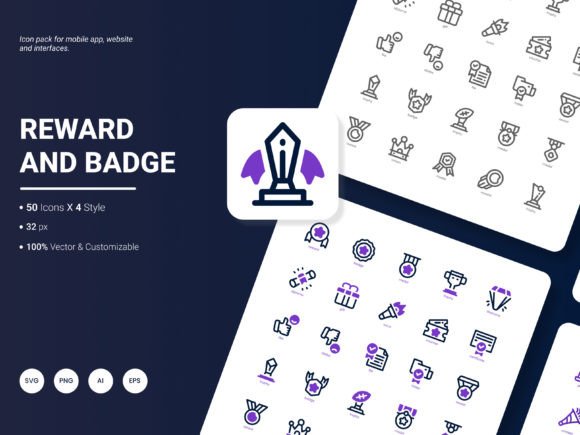
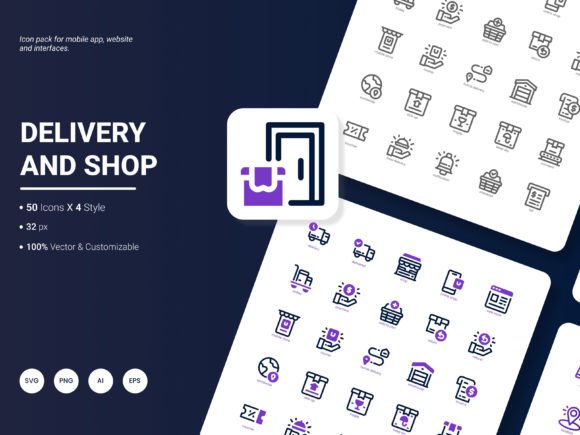
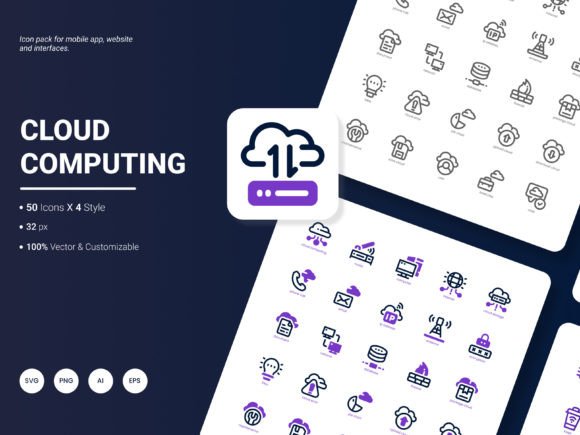
The Cloud Computing Icon Pack comprises 200 stylish icons showcasing popular services and ideas within the cloud ecosystem. From foundational infrastructure elements like virtual machines and databases to cutting‑edge topics such as edge computing, container orchestration, and zero‑trust security, the set covers a remarkable range. Each icon is crafted with a balance of simplicity and semantic clarity, ensuring that even complex technical terms become approachable for a broad audience – including business stakeholders, developers, educators, and end‑users.
What Makes a Cloud Icon Set Truly Stand Out
Not all icon packs are created equal. When evaluating cloud‑themed design assets, several factors make the difference between a disposable download and a long‑term tool for your creative arsenal. The first is scope. A narrow set focused only on generic “cloud” symbols can’t support the detailed narratives required in technical documentation or product UI. The second is consistency of style. Icons that share a unified grid, stroke weight, and visual metaphor reduce cognitive load and reinforce brand identity. The third is editability, because no single design will fit every color palette or layout constraint. This particular icon pack excels in all three areas, and its 200‑icon library ensures you’re rarely left searching for a missing concept.
Four Distinct Styles for Endless Creative Freedom
One of the pack’s most practical strengths is its inclusion of four visual styles, enabling designers to pick the aesthetic that matches their project’s personality and technical requirements. The outline style delivers a clean, lightweight look ideal for dashboards, form controls, and corporate presentation slides. The glyph (or filled) style offers a bold, high‑contrast appearance that works beautifully on mobile app navigation bars and hero sections. Colored versions inject vibrancy, making them perfect for infographics and marketing landing pages where you want cloud concepts to pop off the screen. The duotone variation marries two complementary hues per icon, striking a balance between subtlety and visual interest that feels distinctly modern and “trendy.” A marketer promoting a multi‑cloud management tool might choose duotone icons for a social media banner, while a product manager could use the outline set to annotate wireframes without visual noise.
This multiplicity means the Cloud Computing Icon Pack can serve an entire team without requiring anyone to compromise. A UI designer can prototype with outline icons, then swap in colored versions for the high‑fidelity mockup, all within the same systematic naming structure.
Beyond Aesthetics: The Power of Six File Formats and True Editability
Design is never a one‑size‑fits‑all discipline, and the file formats provided address nearly every workflow imaginable. The pack arrives with AI (Adobe Illustrator) and EPS files, which give vector illustrators full access to paths, anchor points, and layers. This native editability means you can recolor, resize, and even merge elements without any loss of quality. For web and app developers, SVG files are a direct drop‑in for React, Vue, or plain HTML projects – allowing on‑the‑fly CSS styling and animation. The PNG and JPG raster formats serve quick‑use scenarios: dropping an icon into a Google Slide presentation, a Notion page, or a Word report. Additionally, the PDF format bridges the gap, serving print designers who need high‑quality vector output for brochures, trade show banners, and academic posters.
Having all six formats in one package eliminates the tedious back‑and‑forth of file conversion. Picture a small business owner who wants to update their website’s services section with cloud icons. They can grab the SVG for responsive web display, then use the PNG version for an email newsletter header, and later supply the AI source file to a freelance designer for further customization. This flexibility accelerates time‑to‑market and ensures brand consistency across every touchpoint.
Real‑World Applications Across Professions and Projects
While the technical specs are compelling, the true impact of a Cloud Computing Icon Pack unfolds in daily practice. Different users bring their own unique demands, and the set’s versatility meets them all.
For Business Owners and Startup Founders
Early‑stage companies often need to explain complex cloud‑native architectures to investors, clients, and non‑technical team members. A well‑crafted pitch deck can make or break a funding round. With 200 icons depicting everything from Kubernetes clusters to cost management dashboards, founders can build persuasive slides that replace dense text with instantly recognizable symbols. An infographic showing a product’s data flow using these icons can demystify technical details, helping stakeholders grasp the value proposition in seconds.
For Educators and Corporate Trainers
Those teaching cloud computing courses – whether in a university, bootcamp, or internal training program – often struggle to find clear, royalty‑free visuals that don’t look dated. This icon pack allows educators to create lecture slides, e‑learning modules, and handout diagrams that reinforce key concepts like load balancing, CDNs, or identity access management. Because the icons are editable, instructors can even color‑code them to match a specific cloud provider’s branding for comparative lessons.
For UX/UI Designers and Front‑End Developers
Design systems thrive on reusable, semantic components. Incorporating the SVG icons into a pattern library lets teams build interfaces faster and with fewer inconsistencies. Developers can use inline SVGs to animate a cloud‑sync icon when data uploads complete, or apply CSS hover effects that dynamically change icon colors. The availability of four styles also supports theming – a dark‑mode dashboard might use outline icons, while the same app’s marketing site uses the colored set.
For Researchers and Data Analysts
Research papers and analytical reports often rely on diagrams to illustrate frameworks, methodologies, or system architectures. Researchers can embed these icons in LaTeX documents (via PDF or SVG) to create publication‑ready figures that communicate cloud‑based experimental setups, data ingestion pipelines, or privacy‑preserving computation flows. The consistent style adds a layer of professionalism that reviewers and readers appreciate.
For Content Creators and Digital Marketers
From blog featured images to YouTube thumbnails, visual content demands catch the eye in a crowded feed. The colored and duotone icons give marketers a quick way to produce on‑brand graphics. A social media post about “5 cloud security best practices” can feature a row of relevant icons that instantly signal the topic, boosting engagement and shareability.
Keeping Design “Amazingly Fresh and Trendy”
Trends in digital design shift rapidly. What felt modern two years ago – overly skeuomorphic drop shadows, for instance – now may appear outdated. This icon pack is described as “amazingly fresh and trendy,” a claim that manifests in its adherence to current visual languages: rounded corners, subtle gradients in the duotone style, generous padding around glyphs, and a consistent 24px grid baseline. These details align with contemporary design systems like Material Design 3 and Human Interface Guidelines, ensuring your projects feel current. The icons also avoid overly complex metaphors, sticking to universally recognized shapes that work across cultural contexts – a critical factor for global SaaS products.
Moreover, the set includes icons for emerging cloud patterns such as serverless computing, site reliability engineering, and data mesh, which means your visuals won’t fall behind industry evolution. Regularly updating an icon pack with these fresh concepts keeps a design team’s toolset evergreen.
Practical Integration and Customization Workflow
Let’s walk through a typical integration scenario. A product team is building a cloud cost management dashboard. They need icons for budget, compute instances, storage, and forecasting. The developer opens the SVG folder, copies the desired icons into the project’s assets directory, and imports them as React components. Using inline props, they adjust fill colors to match the dashboard’s theme. Meanwhile, the graphic designer opens the AI file to tweak the forecasting icon – they want to combine the trending chart with a light cloud symbol. Because all vector elements are fully editable, they duplicate the cloud shape, place it behind the chart, and export the custom icon as a new SVG. This collaborative, iterative process is only possible with a well‑structured, truly editable pack.
Shaping the Next Update of the Cloud Computing Icon Pack
No product is ever truly finished, and listening to the community is what makes an icon set thrive. Users frequently request additions that reflect the evolving tech landscape. Are there specific services you’d like to see represented? Perhaps icons for FinOps, Green Cloud sustainability metrics, WebAssembly, or generative AI model types like GPT and diffusion? Maybe you want an additional style – a line‑duotone hybrid – or a dedicated dark‑mode variant with lighter stroke colors. The team behind this Cloud Computing Icon Pack is eager to hear these ideas. If you could add one feature or icon set to the next version, what would it be? Your suggestions can directly influence the next release, making the pack even more indispensable for your daily work.
In a digital era where cloud computing underpins nearly every business and creative endeavor, having a semantic, beautiful, and flexible icon library isn’t a luxury – it’s a foundational asset. Whether you’re annotating a system architecture diagram, building a mobile app, or delivering an internal training session, the right visuals reduce friction and amplify understanding. The 200 icons, four styles, six formats, and open editability of this pack collectively offer a level of creative control that’s hard to match. As cloud services continue to diversify, so will the need for a visual language that keeps pace. Your next project – from a single slide to an entire design system – deserves that kind of clarity.